
Designs & costing
Every design costed from the slicer, never estimated
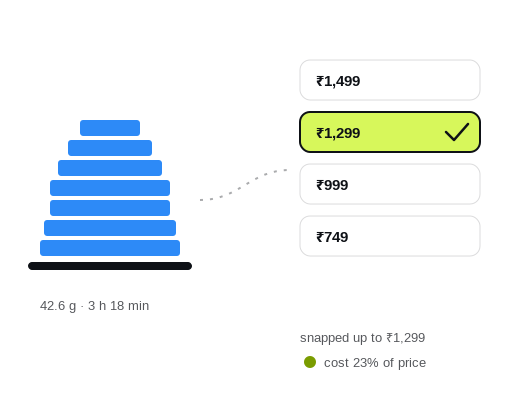
A design is uploaded, sliced headless in Bambu Studio and priced from what the slicer measured - filament grams and print time - before anyone decides to sell it.
Design workflowUpload, review and approve every model before it reaches the store.
- STL, 3MF and STEP uploads with a preview image
- Drafts → Submitted → Approved → Archived, with review notes
- Approved designs publish to Shopify as products
Slicer-based costingThe slicer is the source of truth for time, filament and cost.
- Headless Bambu Studio slice per design and material
- Design CP from grams, minutes and the brand’s cost assumptions
- Selling price snapped to the brand’s price ladder
- Green / Yellow / Red against the CP-as-%-of-SP thresholds
Orientation adviceSuggests the resting face that needs the least support.
- Scores candidate “down” faces by downward-overhang area
- Advisory only - it never changes the costed slice
Pricing rules & cost reportsPer-brand cost assumptions, ladders and reports on margin.
- Filament, machine-hour and overhead assumptions per brand
- Reports of every design’s cost against its price
Product registry
A new personalised product without a code change
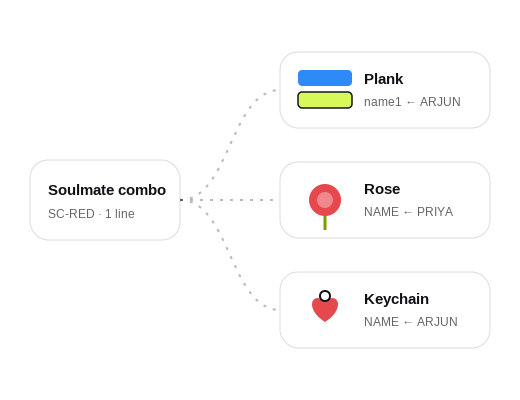
The registry says what each product is made of and how to make it: which OpenSCAD design file each part prints from, and which order field fills which variable.
Products, SKUs and partsImported from Shopify, so every order line matches a product.
- One product, many SKUs (colours, sizes, packs)
- Parts per product - a combo prints a plank, a rose and a keychain
- Bundles: each item is its own product with its own job
Design files & field mappingVersioned .scad files, filled from the customer’s answers.
- Order field → OpenSCAD variable, per product or per SKU
- Text, number and count fields; required, optional and defaults
- Colour schemes per part, and self-coloured designs
- A file that does not declare a mapped variable is refused
Components & slicing settingsWhat is attached at the bench, and how each SKU slices.
- Bill of materials: stock parts per product and per SKU
- Slicer profile per SKU, from a machine-class default
Orders & production
From a Shopify order to a print-ready model, automatically
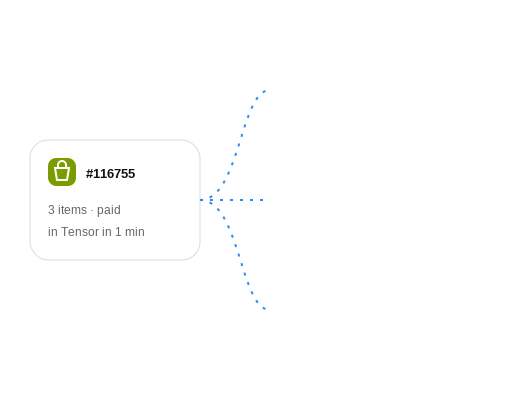
Orders arrive on their own, become one job per printed part, and each job renders its own 3D model from the registry - with the customer’s name already on it.
Order syncNew Shopify orders reach the floor within a minute or two.
- A quick pull every minute of orders updated since the last one
- A full pull every 10 minutes for status changes
- Bundle lines arrive as their items, each keeping only its own fields
Jobs & model generationOne job per printed part, rendered by OpenSCAD on a worker.
- Jobs named for what they print: JOB-116755-PLANK, -ROSE, -KEYCHAIN
- Coloured 3MF models, measured and stored with their inputs
- Rebuild a job’s model from its page; held jobs explain why
Personalisation confirmationThe customer checks their name before anything prints.
- A personal link on WhatsApp with a preview of their product
- Corrections flow back into the job and its model
Product CreationBuild print files for products made by hand on demand.
- Photo frames, moon lamps, combos, Duo Snap, date planks
- Any registry product from any order, as 3MF or ZIP
Bulk orders & inventoryCorporate orders and the shelf they draw on.
- Bulk orders from a sheet, approved into jobs
- Filament and component stock, synced with the printers
Batches & printing
Beds packed by colour, sent to the right printer
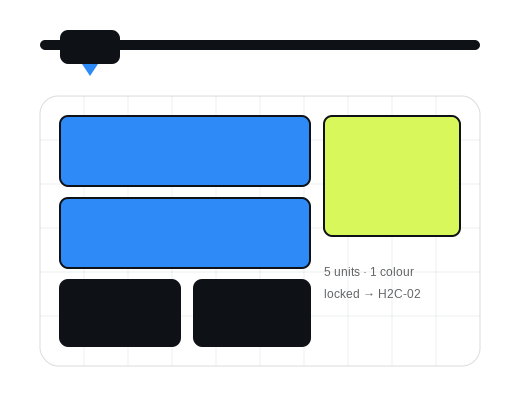
Jobs are grouped onto print beds first-come-first-served by colour, packed onto a plate the printer can actually reach, and dispatched to the fleet through BambuBuddy.
Batch plannerTurns waiting jobs into beds, oldest order first.
- Grouped by material, colour and nozzle
- A bed locks at 3+ units with a free printer, up to 5 units
- Bed class by size: P2S, then H2C, then A2L if a part does not fit
Merged platesEvery job’s model placed on one plate, in its colours.
- Guillotine bed packing, largest part first
- Identical products laid in one tidy column
- Two-colour plates kept inside both nozzles’ reach
Machine managementThe fleet, its queue and what came off the bed.
- Live printer status and camera through BambuBuddy
- Slice, upload and queue a bed to a chosen printer
- Print completion recorded from the printer’s own history
Fulfilment
Checked, packed and followed to the door
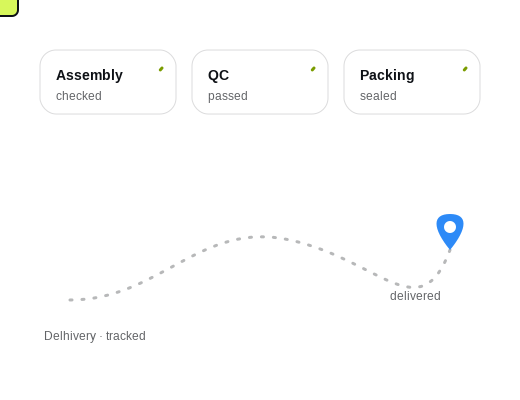
After printing, every job passes assembly, QC and packaging stations, then ships through Delhivery with tracking and failed-delivery handling.
Assembly, QC & packagingStation queues for every step after the printer.
- Assembly and finishing checks per job
- QC pass or fail with a reason; failures go to reprint
- Packaging station with the order’s full contents
Shipping & NDRDelhivery shipments, tracking and exceptions.
- Shipments and tracking per order
- Non-delivery reports with re-attempt and address actions
- Reverse pickups for returns
Damage & reprintsA damaged parcel becomes a reprint, not a lost customer.
- Customers report damage with photos from a WhatsApp link
- One click turns a claim into a reprint job
Agent
An agent that calls back abandoned checkouts
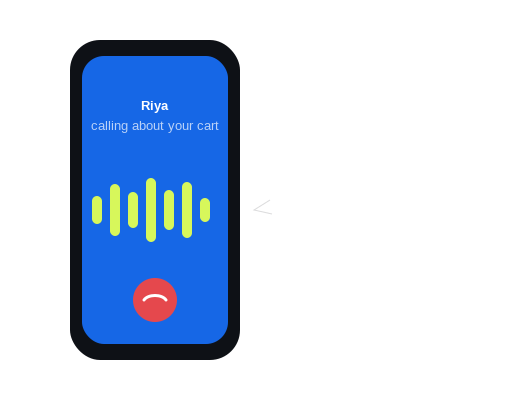
Customers who leave at checkout get a call from a voice agent in their own language, then a WhatsApp message with a discount - and every call is logged with its transcript.
Abandoned-checkout callsWin-back calls through Sarvam’s voice agent.
- A first call, then a follow-up, on a schedule
- Opens in the language of the customer’s state
- Recovered checkouts are recognised and never called again
Call logs & transcriptsEvery call’s outcome, summary and transcript.
- Disposition and summary from the agent
- Full transcript per call
WhatsApp botAnswers order questions on WhatsApp, day and night.
- Order status, personalisation and damage flows
- Message logs and notices editable from the dashboard
Workspace
Roles, brands and the books
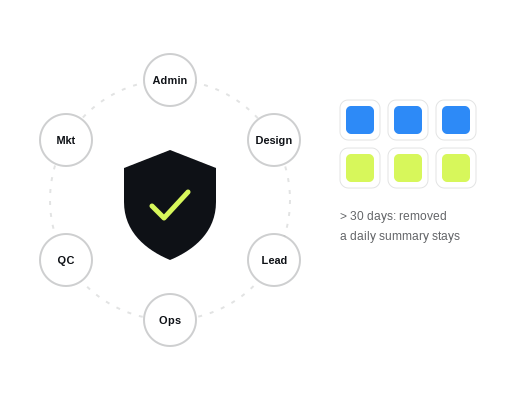
Several brands share one workspace, each person sees only what their role allows, and old data is cleaned up on schedule with a summary left behind.
Roles & permissionsSix roles, 38 permissions, enforced by the backend.
- Admin, Designer, Project Lead, Performance Marketer, Operator, Packaging & QC
- Invites by email; a role change applies within minutes
Brands & integrationsEach brand connects its own store and channels.
- Shopify, WhatsApp, Sarvam, Delhivery and Google per brand
- Credentials encrypted at rest
Accounts report & retentionThe daily numbers, and a tidy database.
- Accounts report by email
- Orders, jobs and batches older than 30 days are removed
- Each removed day leaves a sales and printing summary
Built on
The systems these features stand on
Tensor does not reinvent the printer, the store or the courier. It connects to the best tool for each and keeps them in step.

Shopify
Orders, products, bundles and abandoned checkouts

BambuBuddy
The print farm: fleet, queue, history and camera

Bambu Lab
The printers, and Bambu Studio for slicing

OpenSCAD
Renders each personalised model from its design file

Sarvam AI
The voice agent for abandoned checkouts

WhatsApp
Confirmation links, the bot and damage claims

Delhivery
Shipments, tracking, NDR and reverse pickups

Amazon S3
Design files, models and merged plates